
Liberec family-run printing house since 1993
We are a printer.
So we print.
Offset and digital printing, bookbinding and an in-house graphic studio under one roof in Liberec, Czech Republic – from print-ready data to the finished binding.


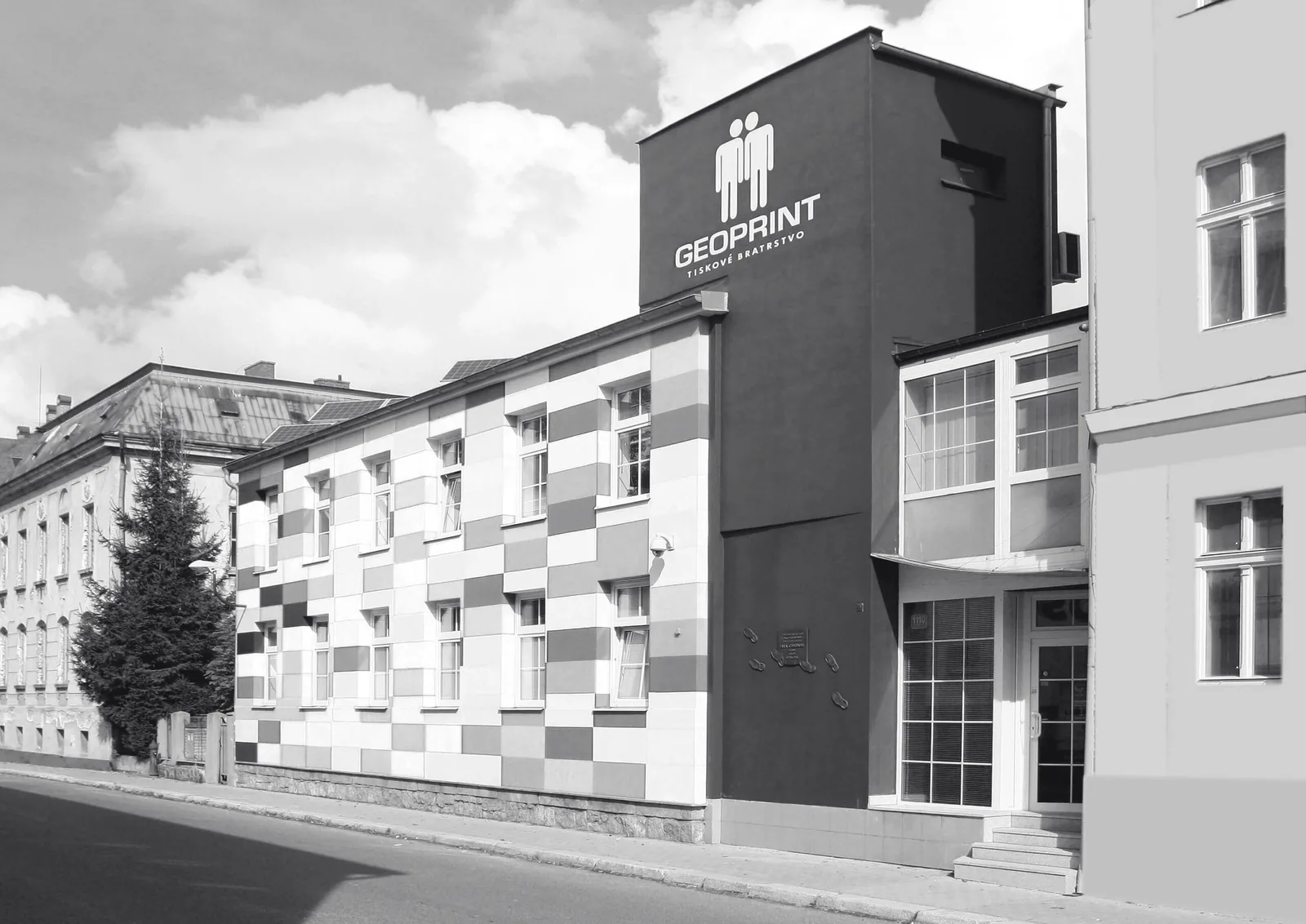
Our building in Liberec, split into four printing plates. Move your mouse over it.
- business cards
- flyers
- brochures
- catalogues
- posters
- books
- calendars
- newspapers
- manuals
- presentation folders
- forms
- greeting cards
- wedding invitations
01 About us
Family business.
Second generation.
Geoprint, s.r.o., a family company, has been on the printing market since 1993. Today it is run by the second generation of the family – experience combined with youthful energy.
Our original business, which gave the company its name, was map printing. It soon grew into the whole range of print production: newspapers and magazines, books and publications, catalogues, calendars, brochures and manuals.
Part of the printing house is a graphic studio that turns your idea into professional, print-ready data. The bookbinding department then completes the whole production process – so everything is made under one roof.
Quality management system certified to ISO 9001 since 2007.
- 1993the year we first started the presses
- 15000sheets per hour on the KBA Rapida 75-5
- 5 coloursin a single pass through the press
- 120 A4pages per minute in digital print
02 Services
We are a printing house,
so we mostly print.
Offset and digital, including prepress and finishing. Graphic studio, CtP plate making, lamination, binding, folding, creasing, drilling and more.
Offset printing
Five colours in a single pass, large runs, consistent quality. Catalogues, calendars, books, newspapers.
Ask usDigital printing
Short runs, fast turnaround and personalisation – every single copy can be different.
Ask usBookbinding & finishing
Lamination, partial varnish, die-cutting, binding and TWIN wire calendar binding.
Ask usManuals & instructions
Two two-colour presses for large runs of manuals and instructions – fast, affordable and reliable.
Ask usNewspapers & magazines
Newspapers, newsletters and magazines. We have been printing them for decades.
Ask usGraphic studio & prepress
No data yet? Our studio turns your idea into print-ready files and prepares the plates.
Ask us03 Machinery
What we
print on.
Our main press is the five-colour KBA Rapida 75-5 sheet-fed offset press. It is used primarily for newspapers and magazines, publications and books, as well as brochures and manuals.
- Offset · KBA Rapida 75-5
- 5 colours15,000 sheets per hour, sheet size up to 700 × 500 mm
- Two-colour · Komori Sprint II
- B2with perfecting unit – manuals, leaflets, carbonless and forms
- Two-colour · Heidelberg Printmaster
- B3manuals, leaflets, blanks and forms
- Digital · Konica Minolta AccurioPress C12000
- 120 A4/min330 × 487 mm, 70–350 g/m², 2400 × 3600 dpi
04 How colour printing works
Four colours.
One sheet.
Every colour print is really one sheet printed four times: cyan, magenta, yellow and black, each from its own printing plate. For it to become a picture, all four must line up to a hundredth of a millimetre. That is called registration.
-
Paper
First, a blank sheet
Before anything happens, we choose the paper. Coated, uncoated, recycled, which weight – if you are not sure, we will advise.
-
Cyan
Sky and shadows
The first plate prints cyan. On its own it looks a bit like a blueprint, but it carries all the cool tones of the image.
-
Magenta
Warmth and skin tones
Magenta adds the reds and pinks. Together with cyan it already makes purples and deep blues.
-
Yellow
Light and greens
Yellow is almost invisible on its own, but without it there would be no green, no orange and no sunshine on the facade.
-
Key / black
Line and contrast
Black adds depth, text and sharp edges. And on the Rapida we can add a fifth, spot colour too.
-
Registration
Now it has to line up
All four plates exactly on top of each other. This is where you can tell a printer. Ours has lined up since 1993.
Blank sheet
05 Bookbinding
From sheets
to finished products.
The bookbinding department is where the whole production process is completed. Here we refine printed matter with lamination or partial varnish.
Our die-cutting machines cut company presentation folders or product labels with euro hang tabs. We fold thin papers and crease thicker ones, perfect-bind books and bulletins, sew-bind brochures and manuals, and provide TWIN wire binding for calendars.
- cutting
- lamination
- partial varnish
- perfect binding
- saddle stitching
- sewn binding
- TWIN wire binding
- die-cutting
- creasing
- folding
- drilling
- euro hang tabs
- gluing boxes
06 Print data
Sending
print data?
A few things that save time for you, for us and for the paper.
- Print-ready PDFExport your files as a print PDF (InDesign, CorelDRAW or similar).
- CMYK coloursConvert colours to CMYK, or to greyscale if you want Pantone spot colours.
- 3 mm bleedIf the print runs to the edge, the image must be 3 mm larger than the trim size.
- Crop marksMark the trim size with crop marks.
- 300 dpiImages need at least 300 dpi. What looks great on screen is not enough for print.
- Black overprintOur RIP overprints 100 % black (0/0/0/100) automatically. Let us know if you do not want that.
07 Contact
Let’s print
something together.
For enquiries in English, please call Jiří Bílek jr. directly. He will prepare a quote and arrange the delivery of your print data.
+420 607 877 092
CallKrajinská 1110/2a
460 01 Liberec, Czech Republic
Company ID: 27271633 VAT ID: CZ27271633
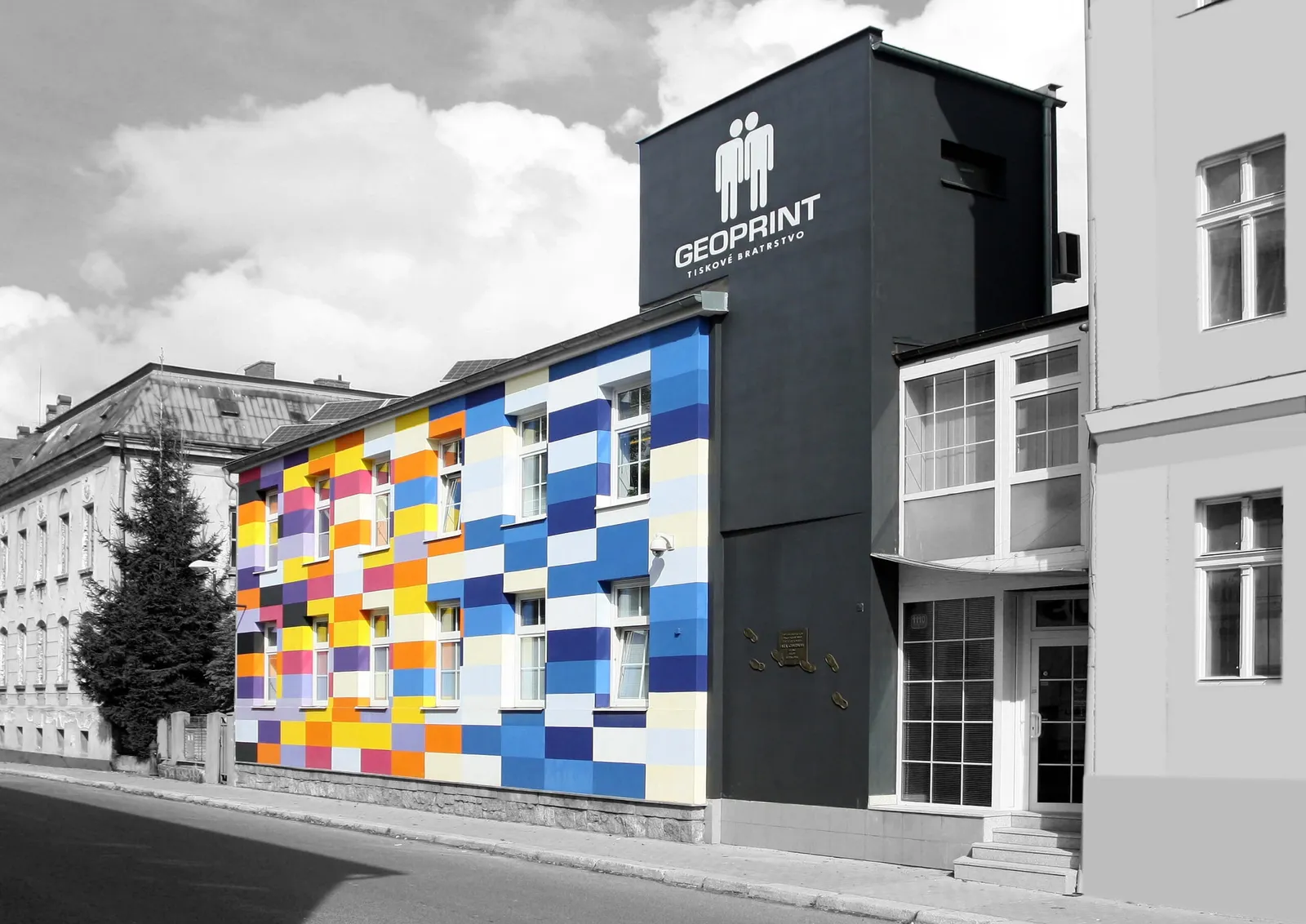
Our colourful building is in the centre of Liberec, about an hour’s drive from Dresden and Prague.
Get directions